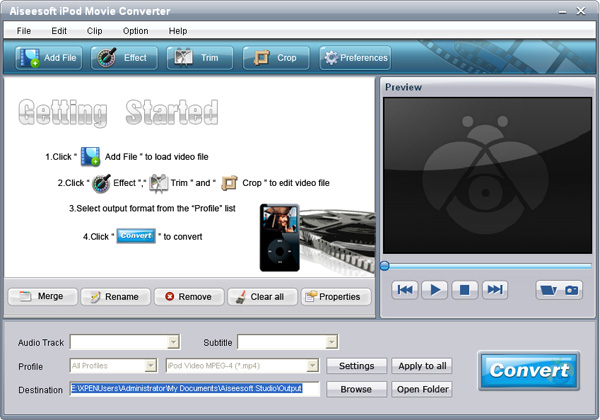
Step 1: Add File
Click the “Add File” button to import video or audio files, you can also click the "File" menu to open the following drop-down menu, then select "Add File" to import files.
Step 2: Output video settings
Select the output video format you need from the “Profile” drop-down list. Click “Settings” button to set your video and audio parameters.
Step 3: Start Conversion
Click “Start” button to start your conversion and it will be finished in a short while.

没有评论:
发表评论